Read the rule
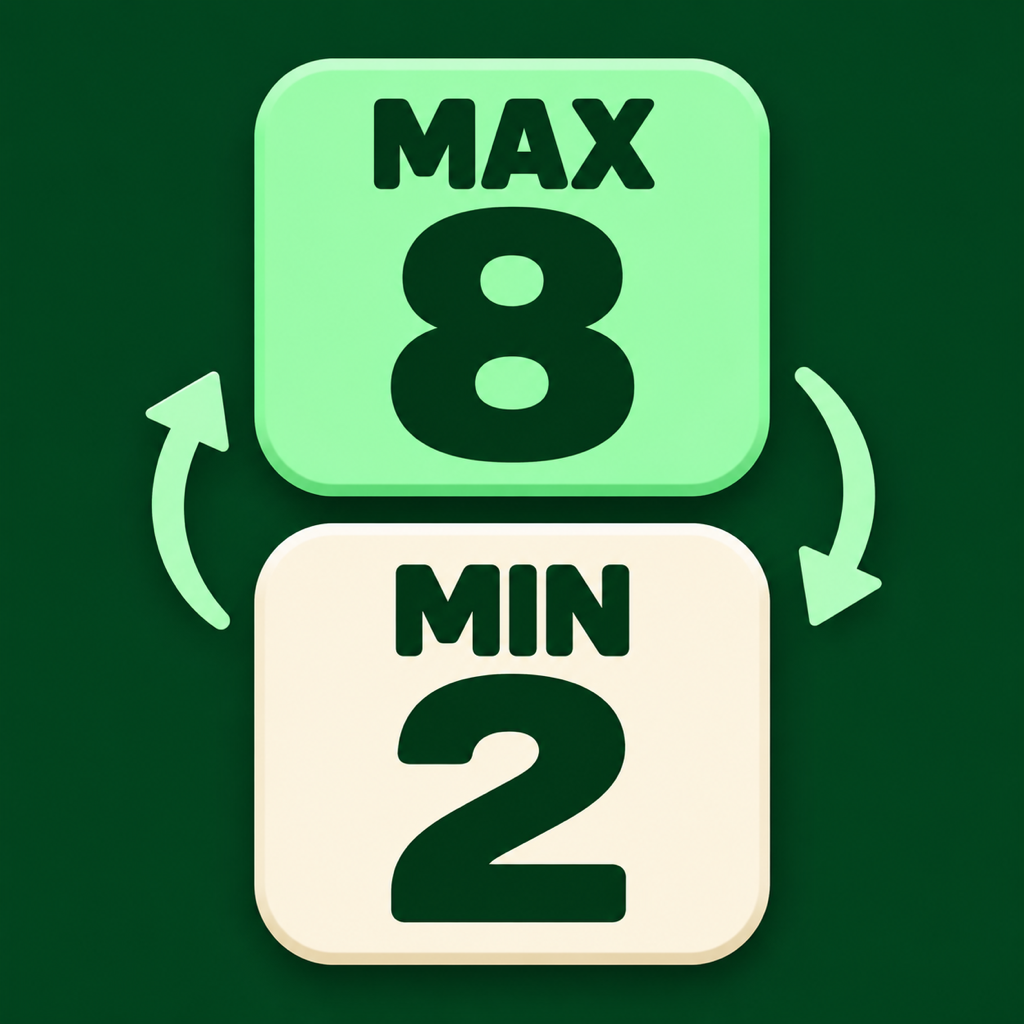
For MAX, tap the largest number. For MIN, tap the smallest.
 Max Min Switch
DREAMBOOK · SUPPORT
From your first tap to your next high score.
Find answers for Max Min Switch here.
01 / PLAY
For MAX, tap the largest number. For MIN, tap the smallest.
As you answer correctly, the rule and level change. Keep your streak going for combo bonuses.
After 60 seconds, check your score and next goal. New here? Start with the three practice questions on the main screen.
02 / ANSWERS
Check your internet connection and Game Center sign-in. Complete a full 60-second round after connecting to submit a score. Practice, abandoned rounds and local best scores saved before connecting are not automatically submitted. If a score is pending, reconnect to the internet and reopen the leaderboard.
Friends compares scores with your Game Center friends. Global compares players registered on that leaderboard. Switch the scope in the leaderboard screen. A lower score does not replace your online high score.
Open the gear icon on the main screen and choose Language: system default, Korean, Japanese or English. The default follows your device language. Apple’s Game Center interface may use a different language from the one selected in the game.
Enable sound and vibration in the game settings, then check your device volume and sound settings. Check the output device, including Bluetooth headphones. Test vibration on a physical iPhone.
Tap the pause button during a round to resume, restart or return to the main screen. Abandoning a round does not submit its score to the leaderboard.
Your app nickname, preferences and local best score are saved on your device. They are not guaranteed to remain after deleting the app or changing devices. Game Center manages online records separately. Your Game Center name is separate from your app nickname.
03 / CONTACT
Email us with a question, a bug report or an idea for the game.
dreambookapps@icloud.comEmail support